Description
Microsoft Project tools, tips, tricks, smarts and knowledge. All carefully designed and integrated to help you plan and manage your projects better.
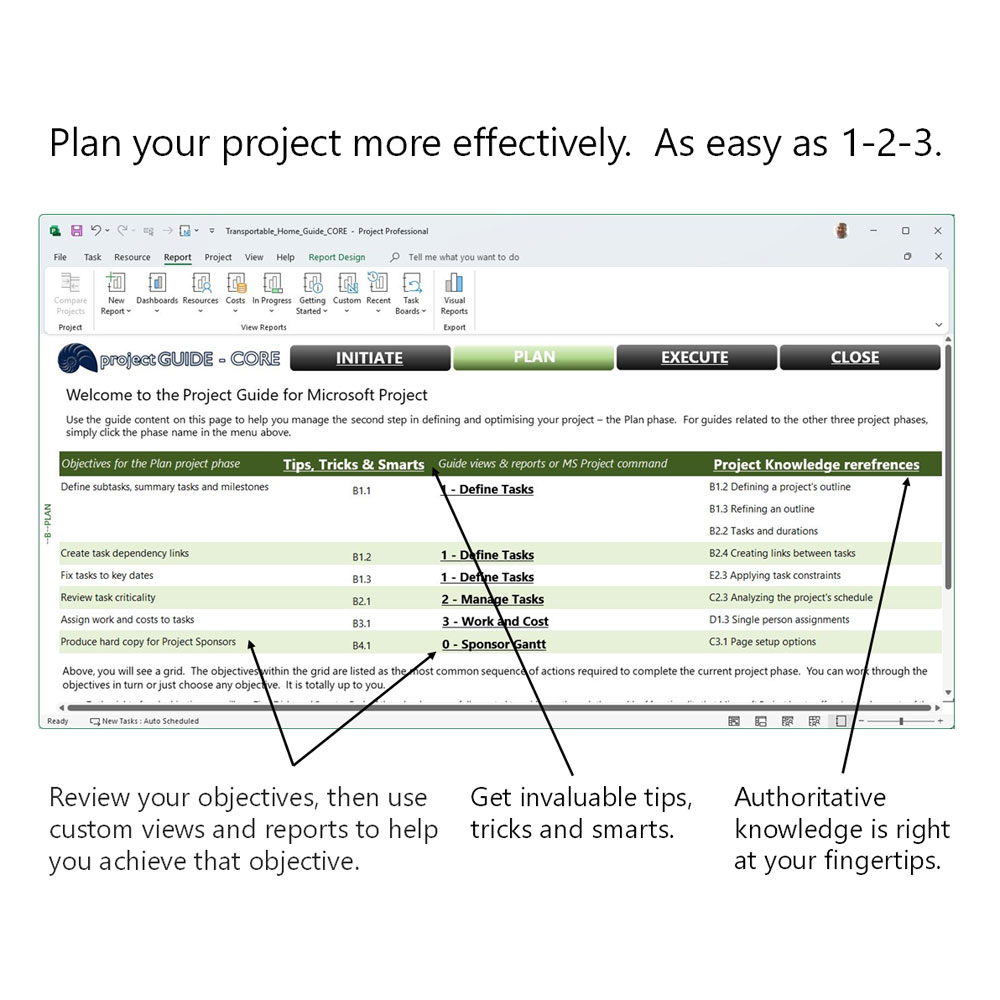
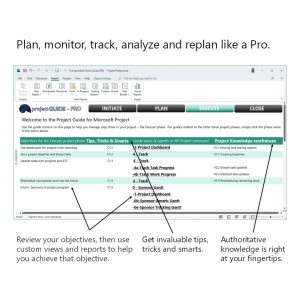
For Microsoft Project users facing the product’s complexity or seeking to optimize its functionality, the Core edition of the Project Guide offers a clear and concise path to achieving project objectives, guiding you step by step through each lifecycle workflow.
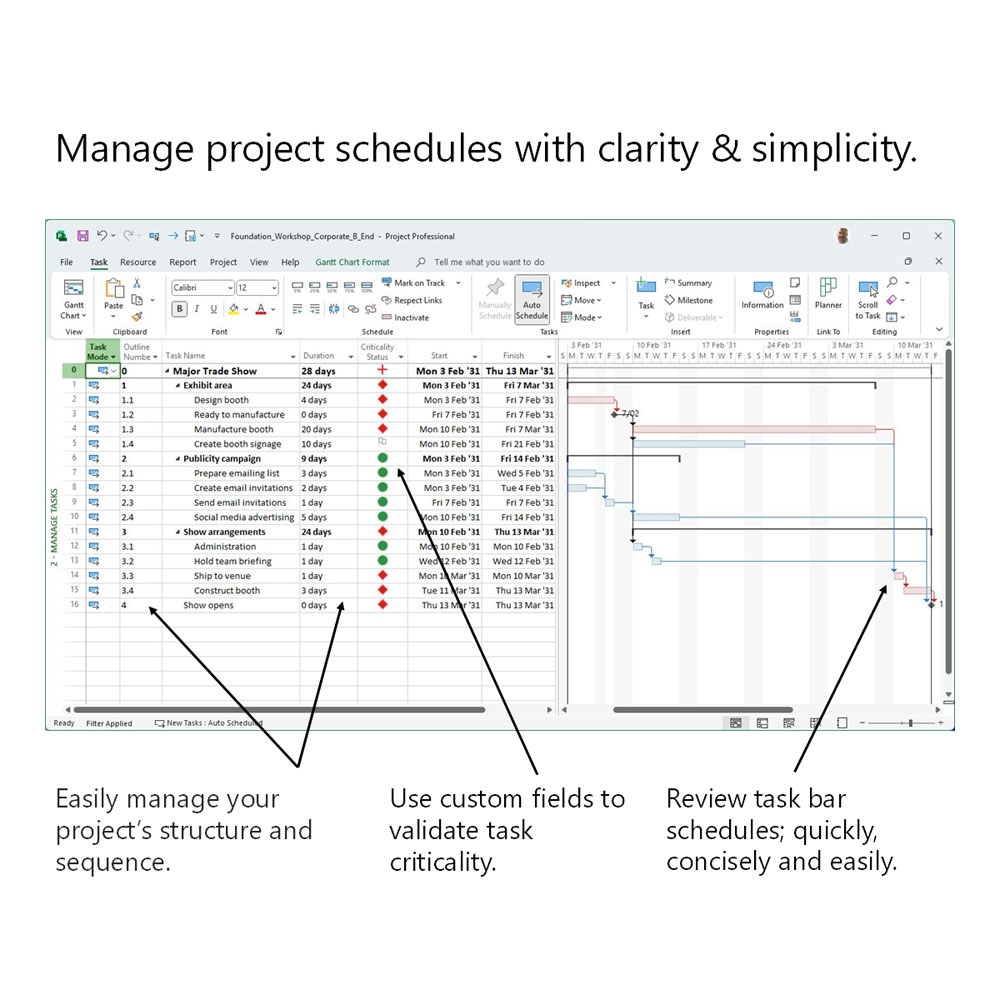
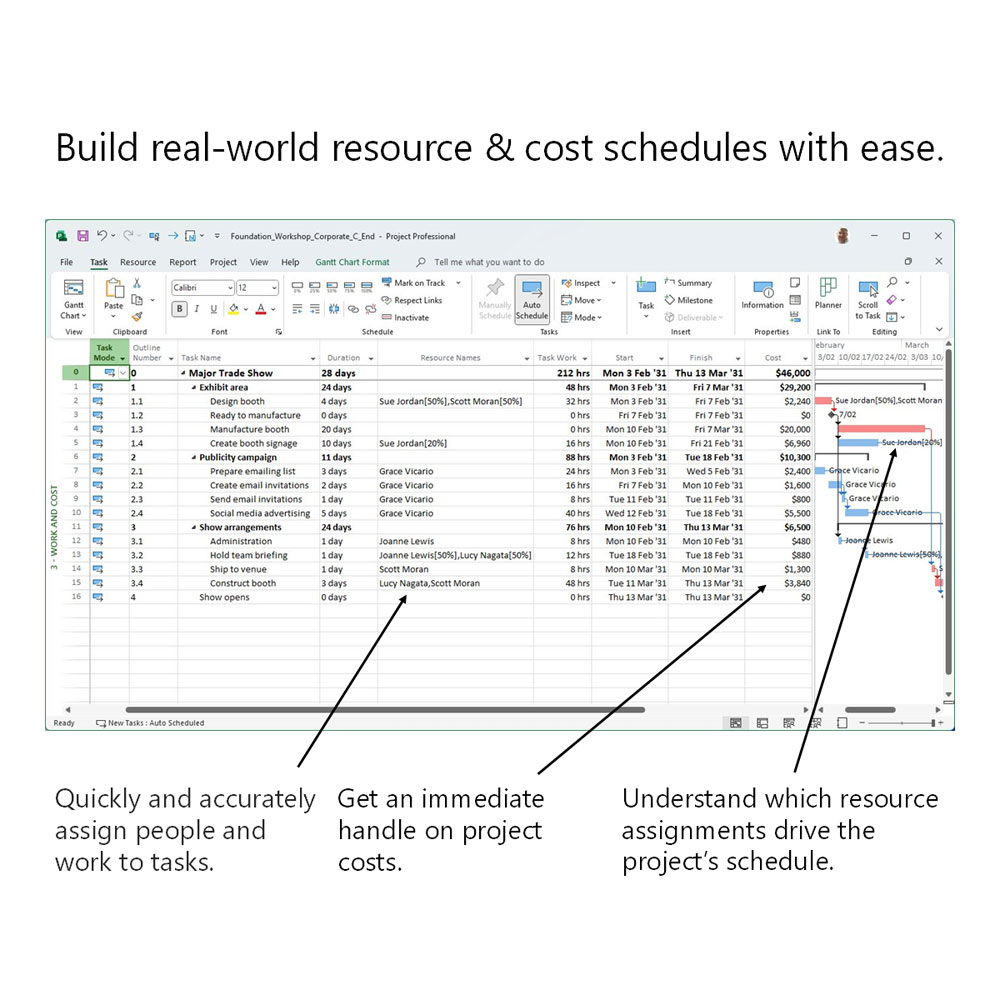
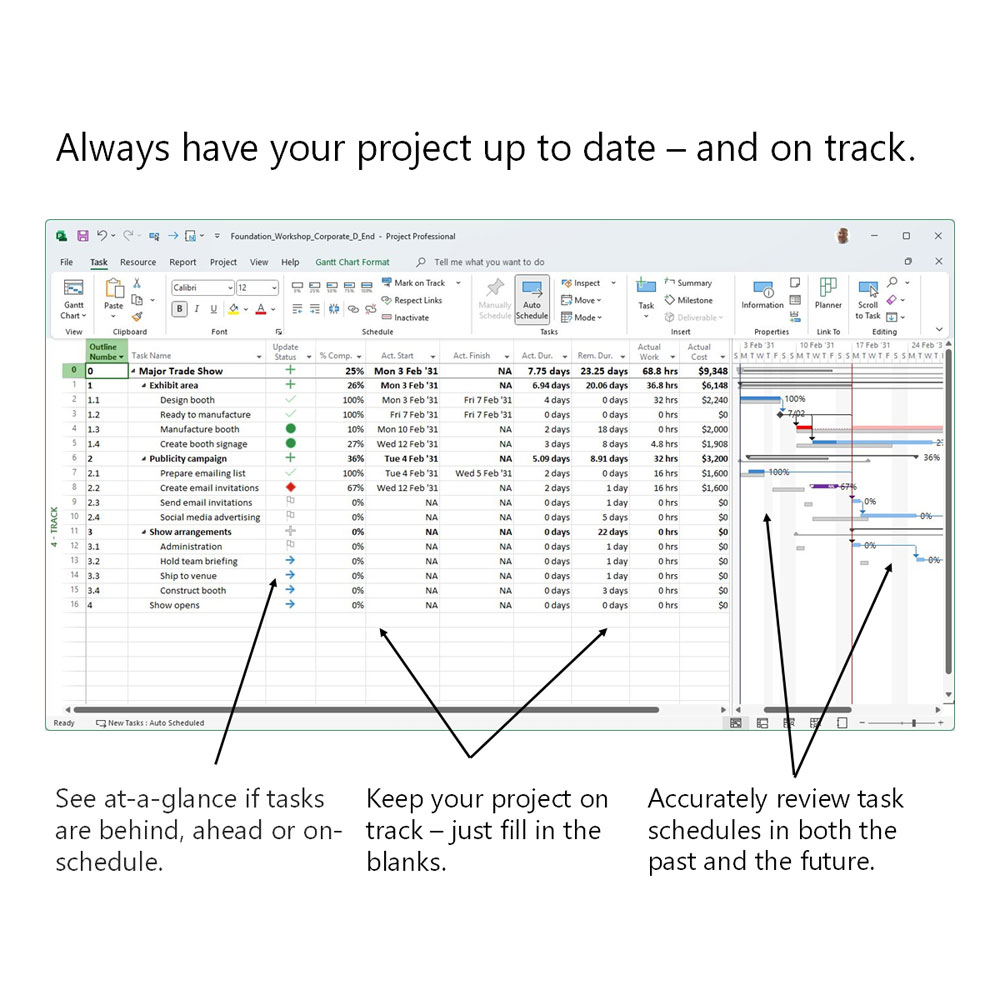
- Check out workflow-specific links to personalized views, tables, reports, and graphs that can help boost productivity while keeping processes consistent and aligned with best practices.
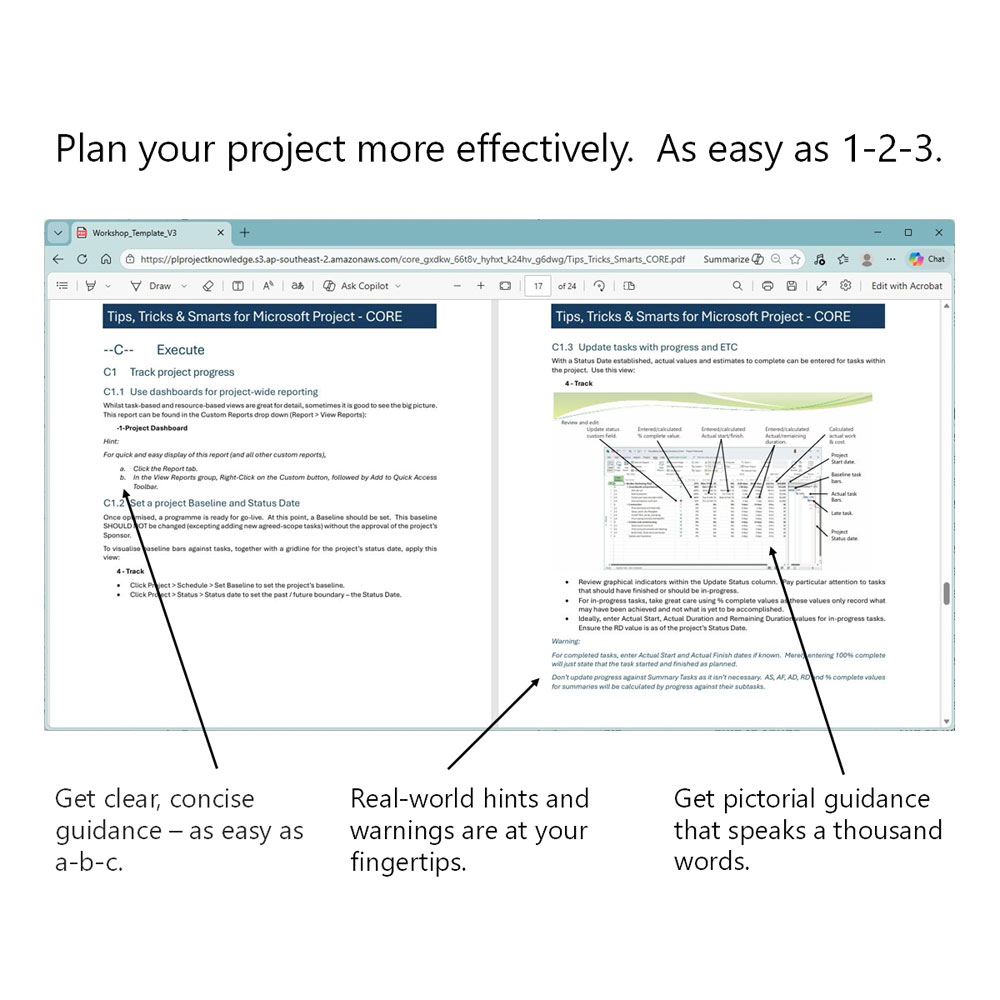
- Leverage valuable insights, smart strategies, and practical techniques to maximize the return on your Microsoft Project investment.
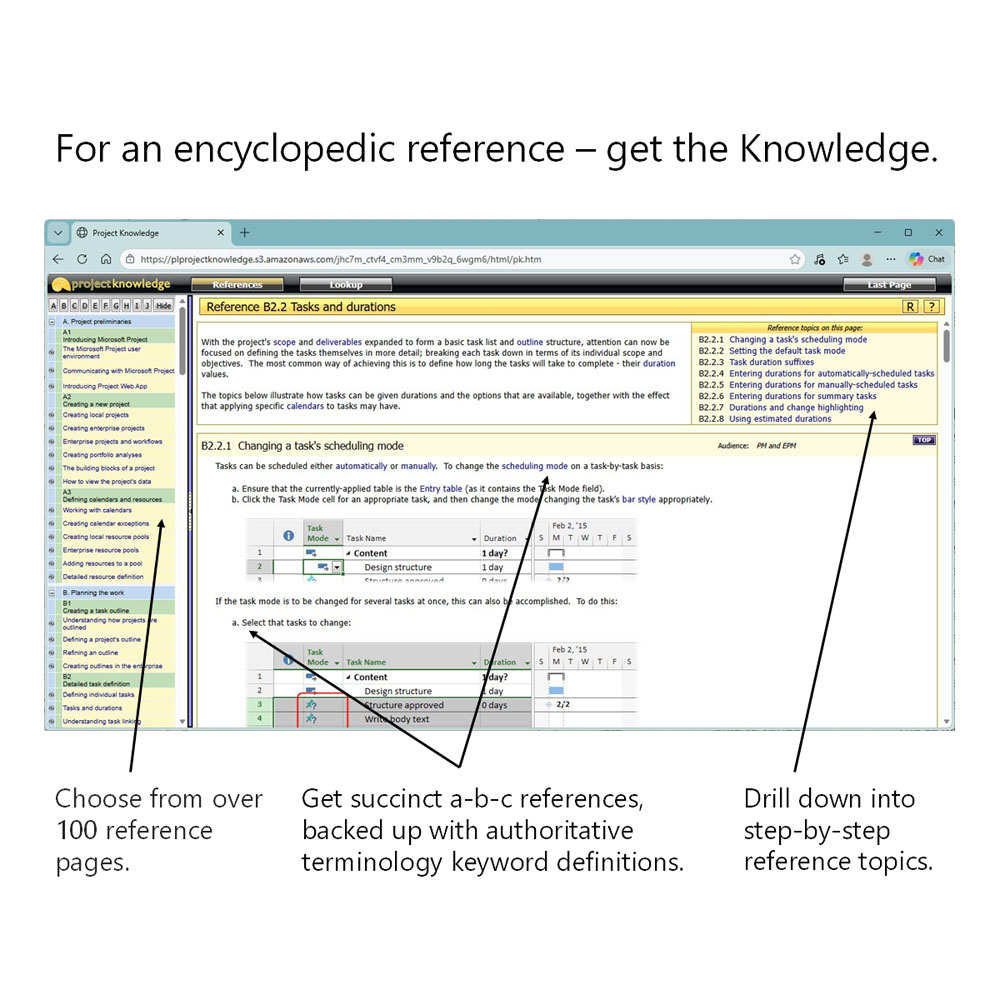
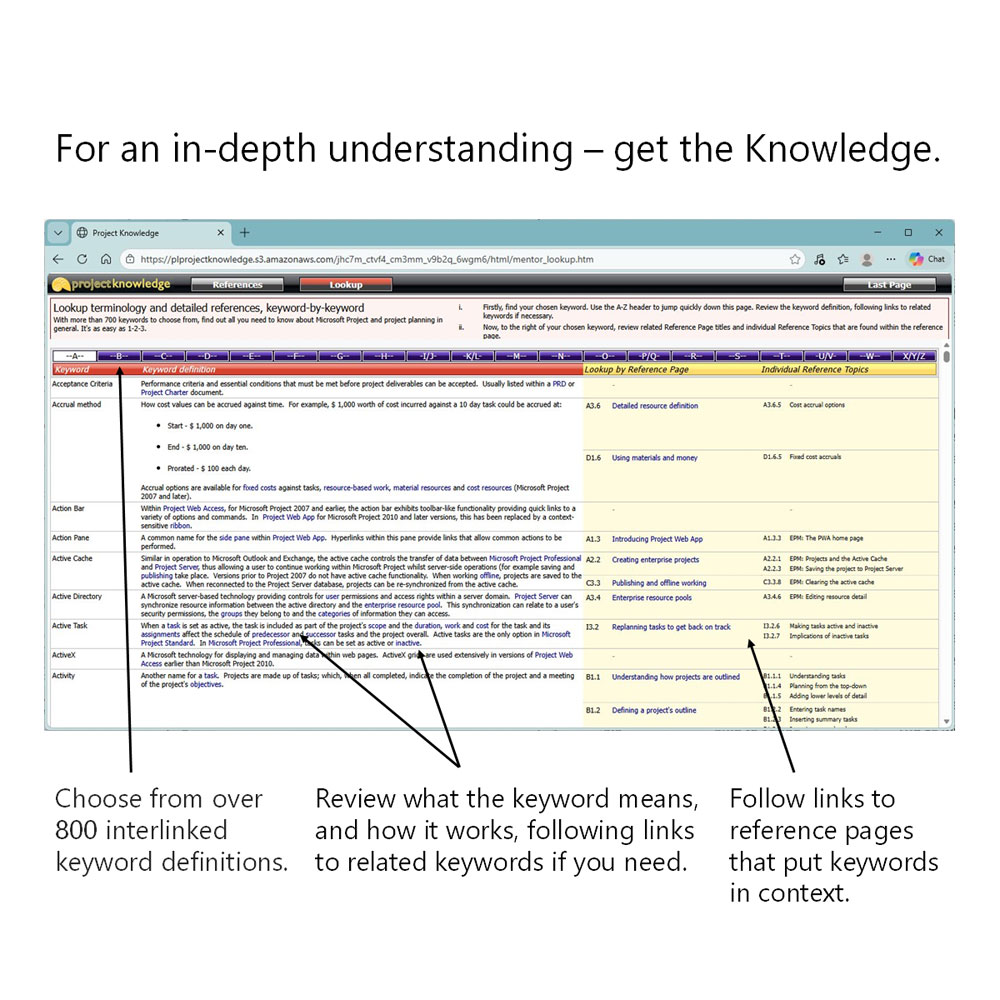
- An all-in-one online guide to Microsoft Project brings together everything you need in one spot. Just search by keyword or goal to find straightforward, practical explanations that make the tool easy to understand.
Want to know more?
Just click here to ask the Project Guide’s developer a question or request your own personal web demo.
Technical Specs
Here’s some facts and figures about the Core edition of the Project Guide for Microsoft Project:
- Works with the desktop version of Microsoft Project (versions 2016 onwards).
- One printer-ready (or PDF) hard copy report, carefully designed to succinctly communicate your projects to your stakeholders.
- Five customized view and table combinations, with each one configured around fulfilling real-world requirements, from project initiation to project closure.
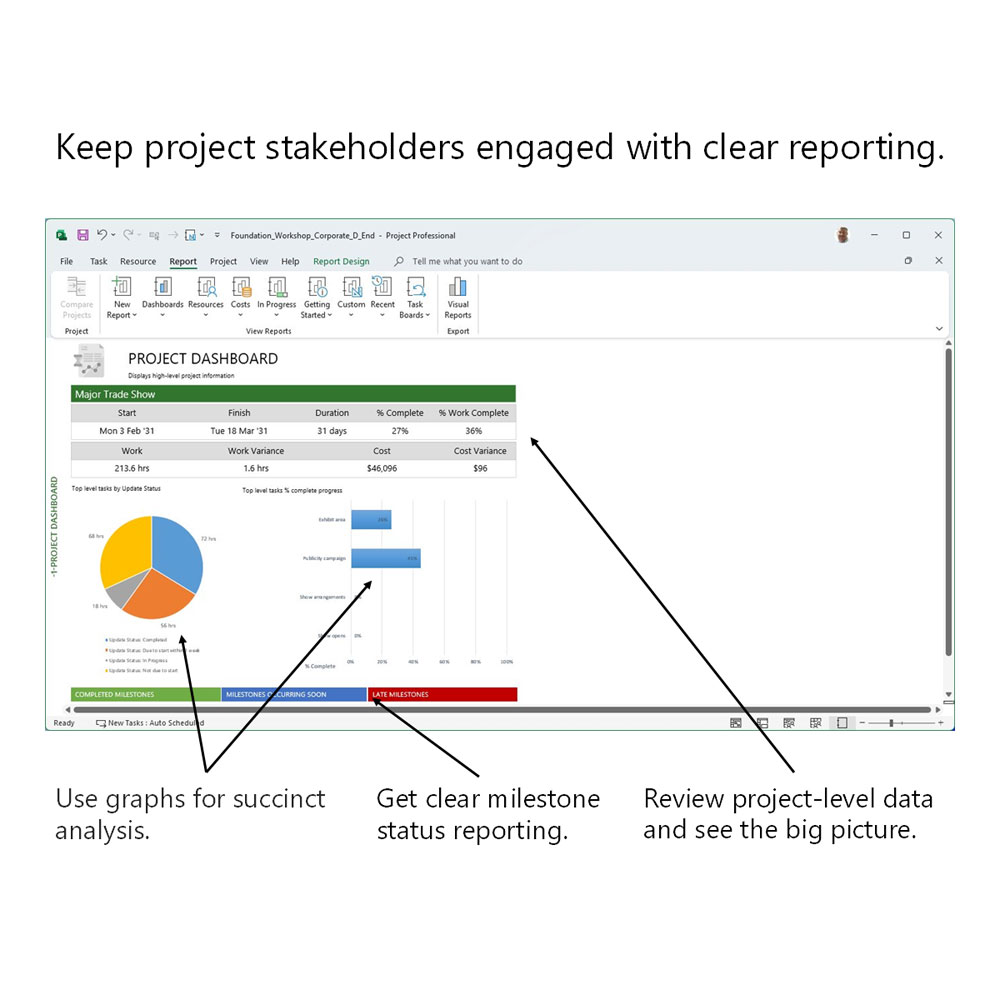
- Two high-level Dashboard reports, providing an immediate health check for your projects.
- Three custom stoplight fields, providing detailed analysis at task, summary task and project levels.
- A custom Change Working Time calendar, containing up to 10 years of commonly used public holidays (dependent upon location).
- End-user tips, tricks and smarts, distilling 30+years of Microsoft Project experience into a user-friendly toolset to meet the needs of most Microsoft Project users.
- An online Microsoft Project Knowledge Base. In-depth explanations of Microsoft Project functionality spanning several hundred individual reference topics, backed up by several hundred interlinked terminology keyword definitions.
Want to know more?
Just click here to ask the Project Guide’s developer a question or request your own personal web demo.
Linked Learning
Pair the Project Guide with these training courses to combine a smart project productivity solution with cutting-edge learning:
Want to know more?
Just click here to ask the Project Guide’s developer a question or request your own personal web demo.