
Project Guide for Microsoft Project (pro edition)

$195

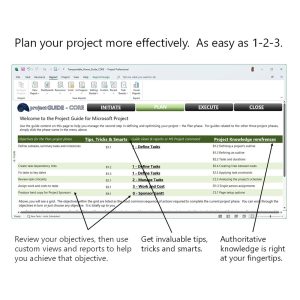
With three solutions in one, simply integrate the Project Guide Pro edition within your Microsoft Project files and get immediate and tangible benefits:

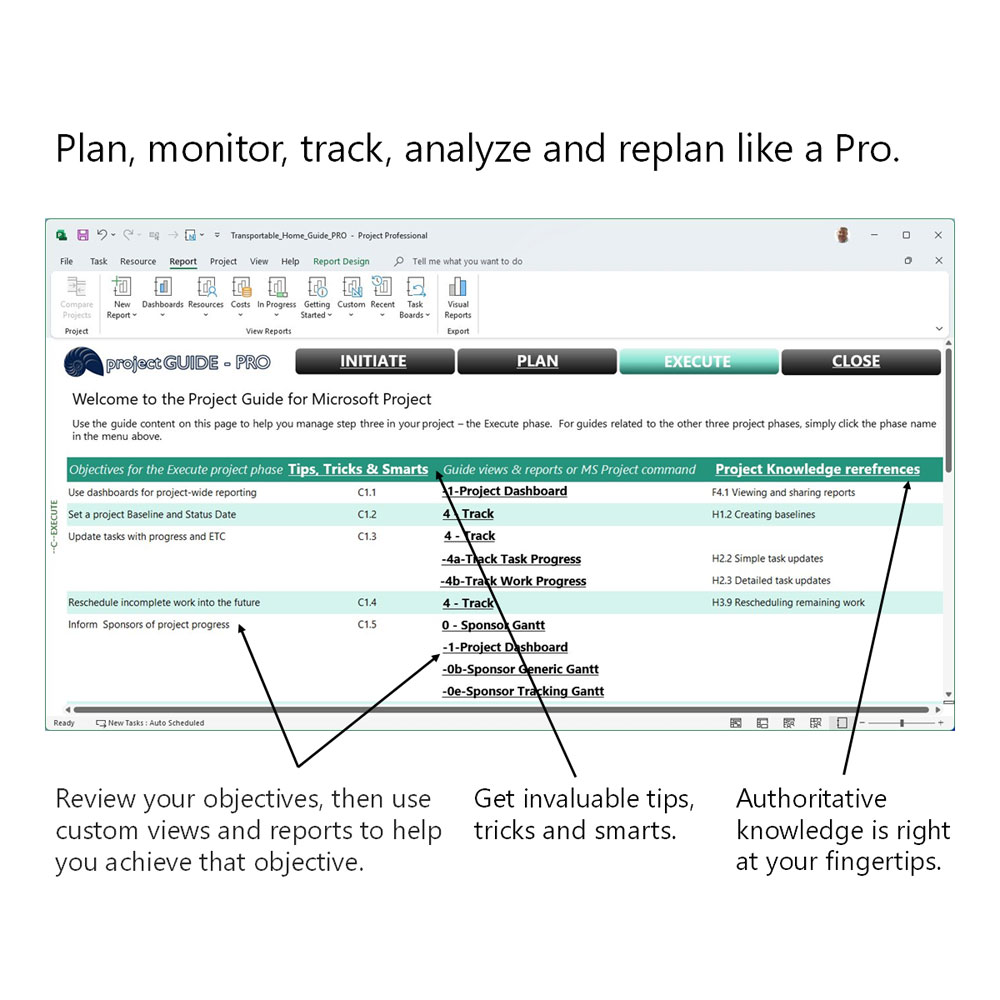
  • Save time. Let the Project Guide hold your hand through throughout the lifecycle of your projects, all the time allowing you to spend more time on the process – and less time on the technology.
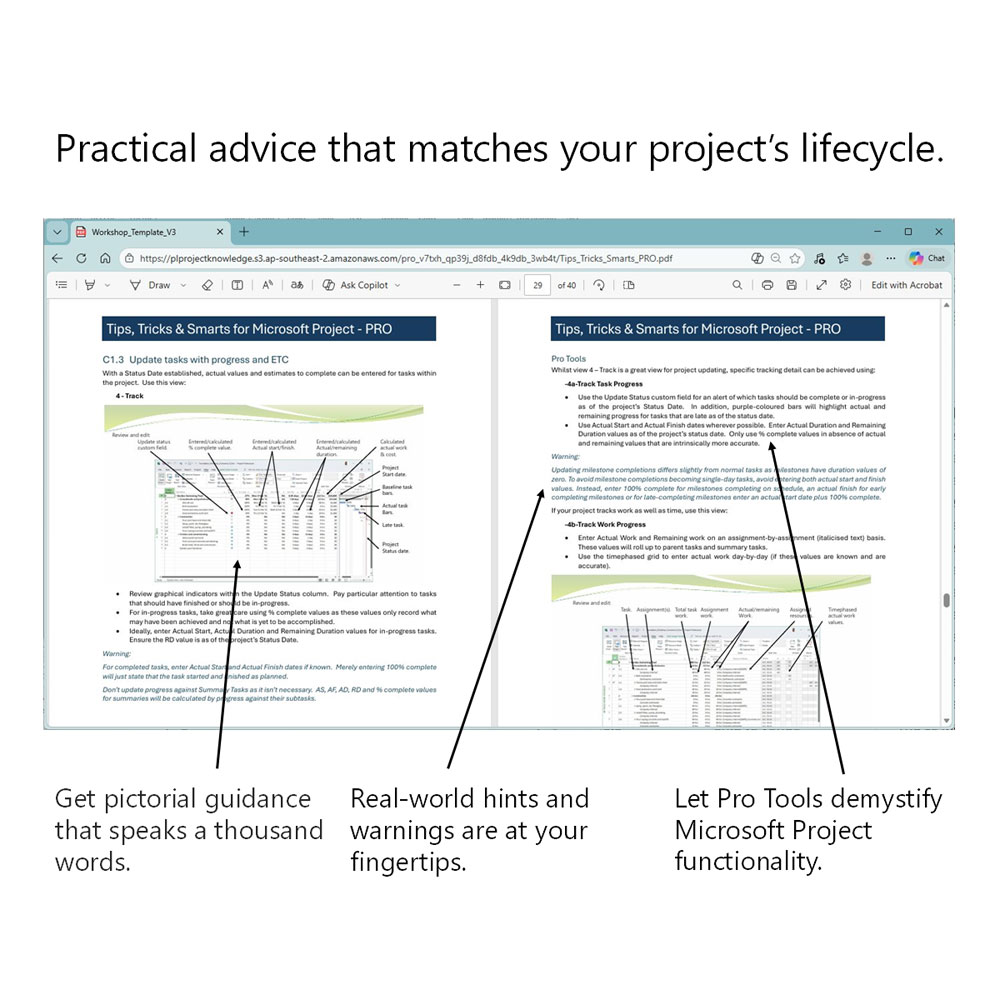
  • Get smart. Let the Project Guide share tips, tricks and smarts to help you plan and manage projects more consistently and efficiently. It’s like having a Microsoft project veteran sharing 30+ years of real-world experience, all available 24/7.
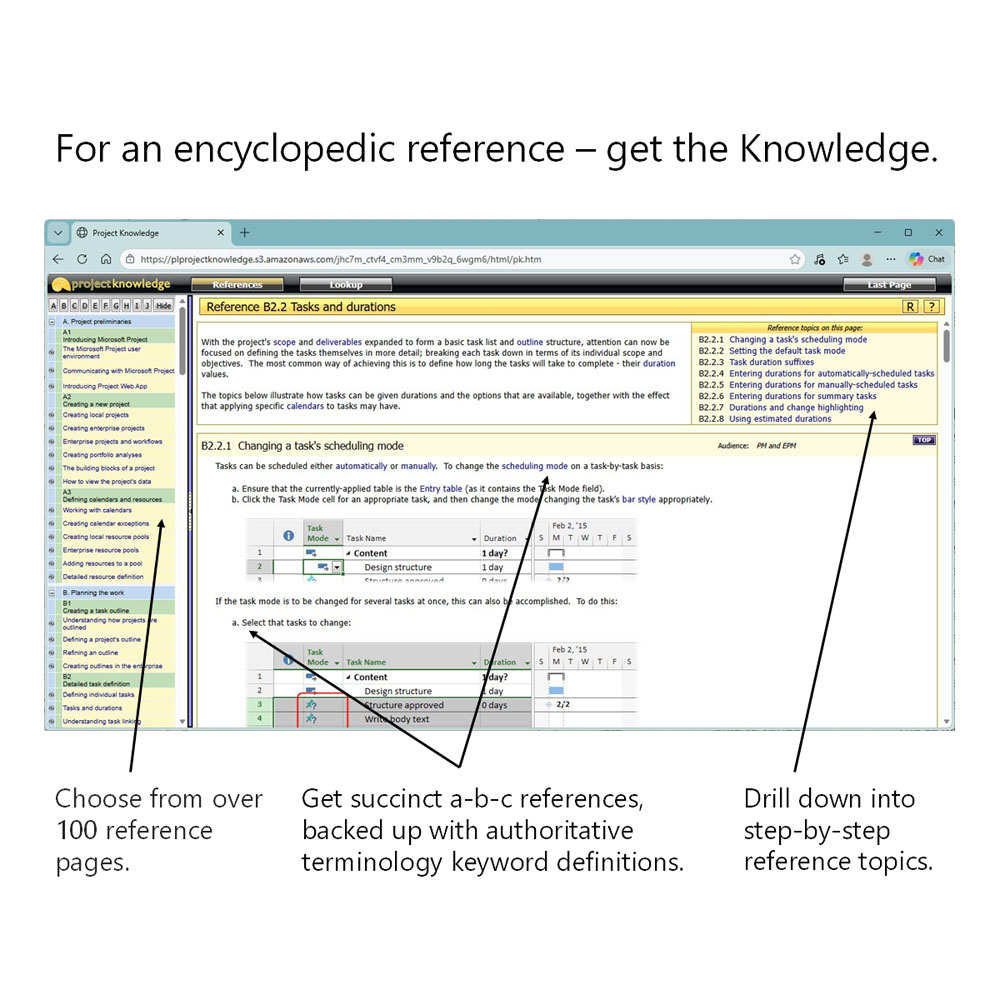
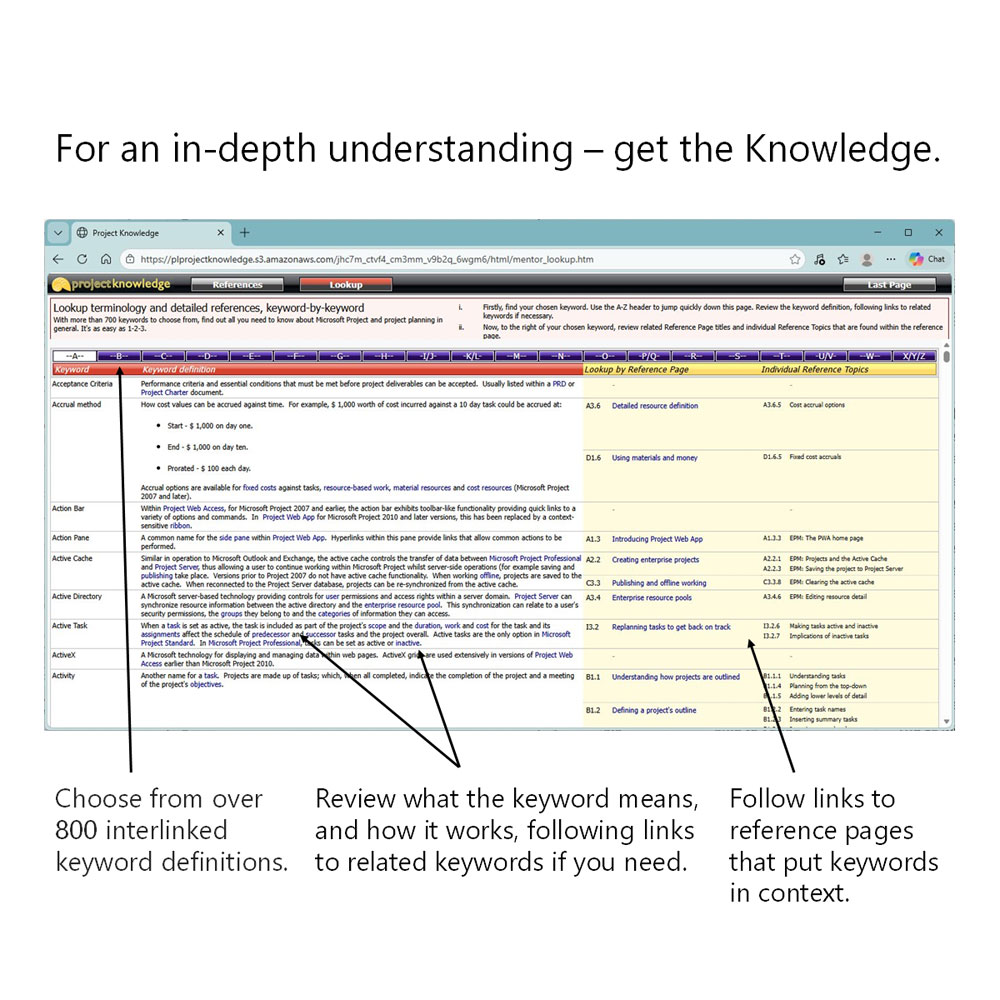
  • Get the knowledge. Connect to an online Microsoft Project reference of encyclopedic proportions. Relate your project objective to step-by-step guidance or look up tools and techniques by simply choosing a relevant keyword.


Category:

Description

Microsoft Project tools, tips, tricks, smarts and knowledge. Painstakingly designed to help you manage each and every project like a Pro.

If you’re planning large & complex projects or you’ve been using Microsoft Project for a while, the Pro edition of the Project Guide provides an invaluable solution.  Containing all the content within the Project Guide Core version, the Pro edition extends this functionality for the experienced Project user, providing a wealth of analytical and reporting tools to help your projects really stand out from the crowd.
What’s more, with 30+ years of Project experience, its designer has meticulously distilled practical real-world requirements into a comprehensive set of tools to satisfy the most fastidious Microsoft Project professional.

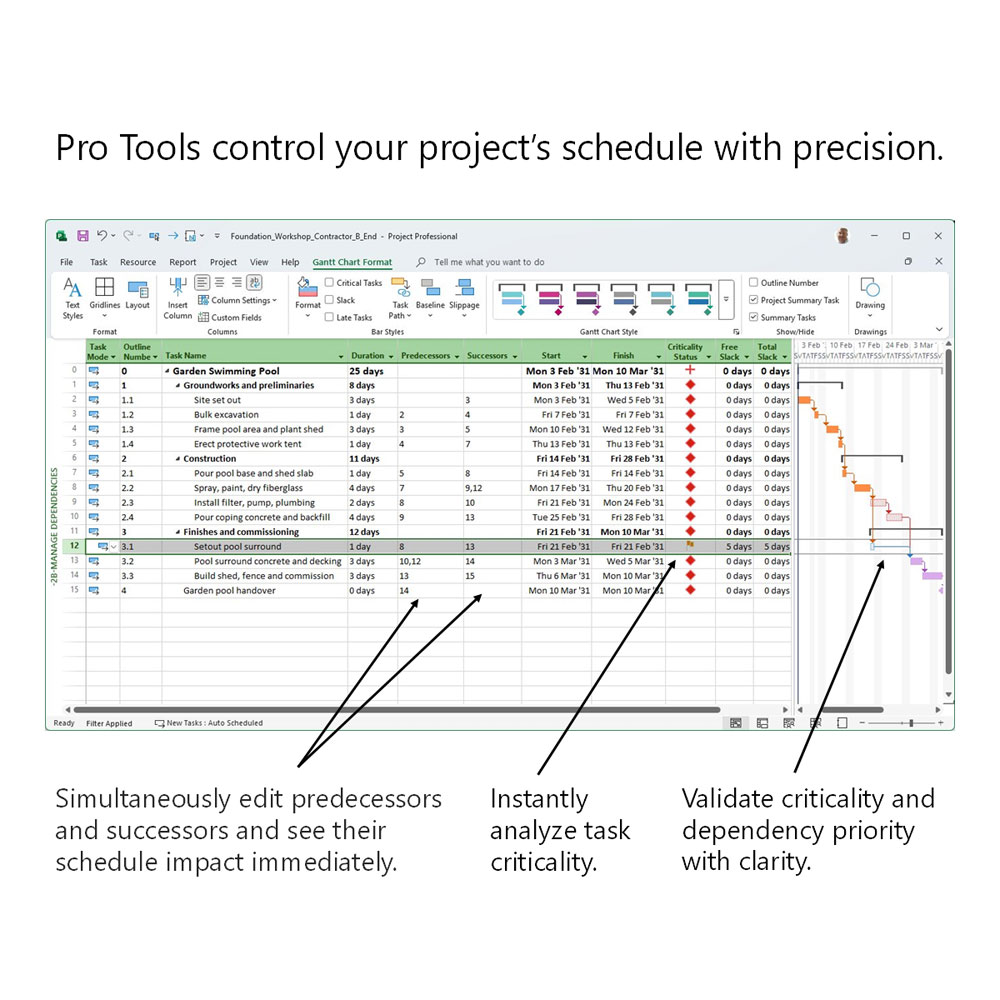
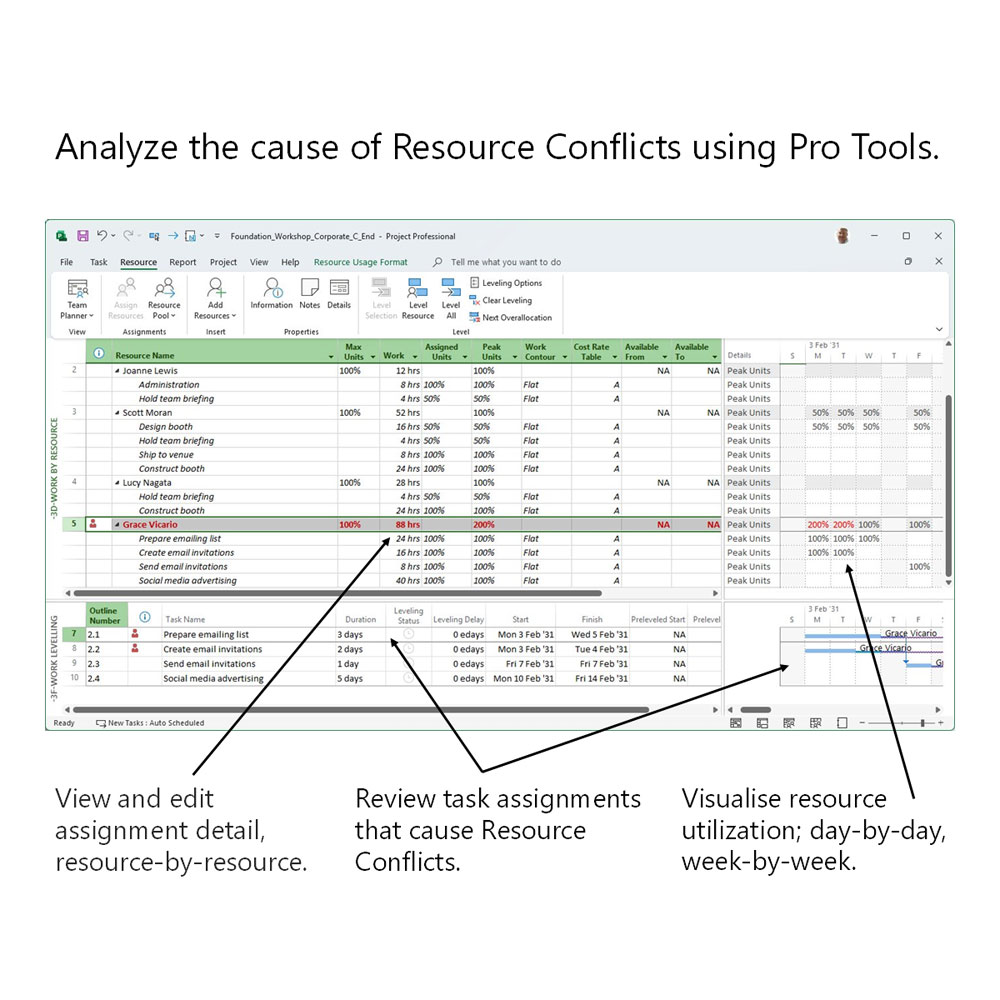
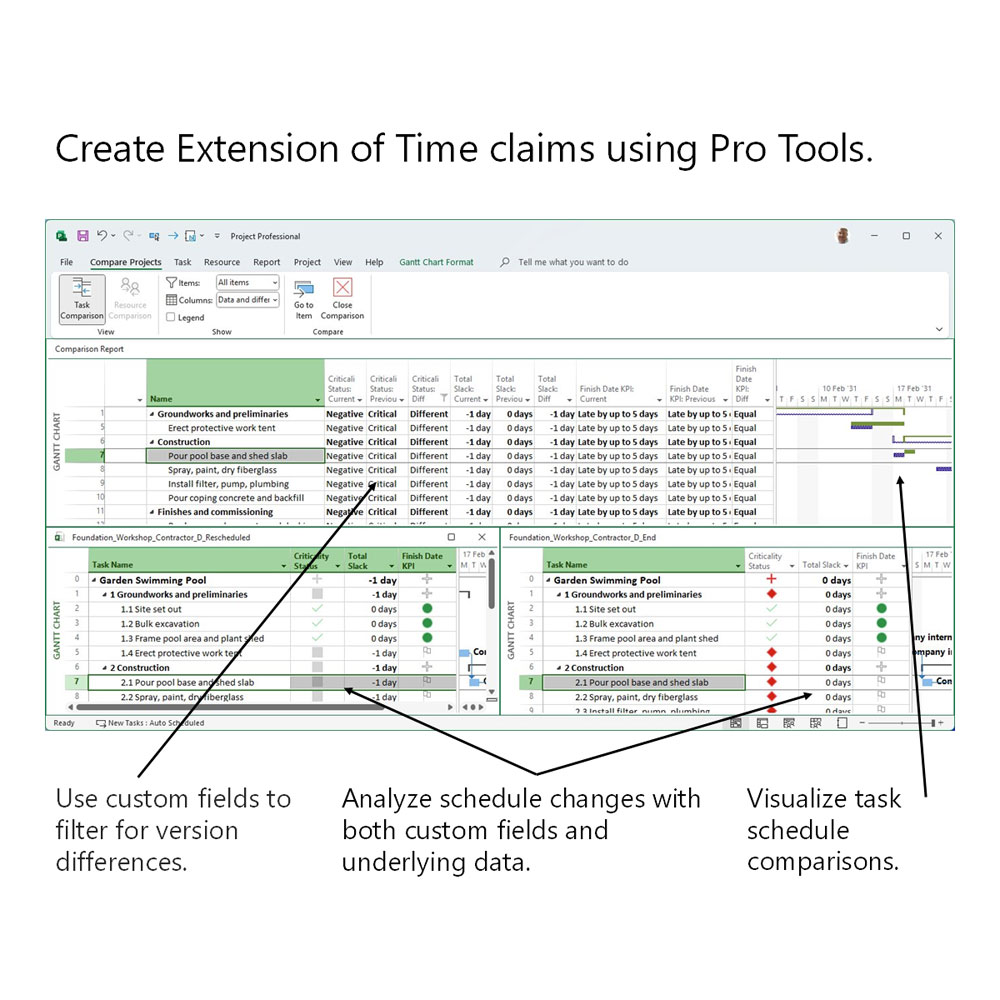
  • Apply detailed views and tables, reports and graphs that expose the intricacies of your task, resource and cost schedules, letting you optimize, debug and communicate your schedules with authority,
  • Use carefully curated tips, tricks and smarts to relate Project Guide components with practical project objectives, all helping to streamline and standardize your project control methodologies.
  • With direct links to a comprehensive online Knowledge Base of everything Microsoft Project, you can be confident that your planning objectives can be realized as the smoke and mirrors of Project’s underlying structures and calculations are explained to you clearly and succinctly.

Want to know more? 

Just click here to ask the Project Guide’s developer a question or request your own personal web demo.
Technical Specs

Here’s some facts and figures about the Pro edition of the Project Guide for Microsoft Project:

  • Works with the desktop version of Microsoft Project (versions 2016 onwards).
  • Six printer-ready (or PDF) hard copy reports, carefully designed to communicate your projects to all types of project stakeholder and at all points within a project’s lifecycle.
  • Twenty-four customized view and table combinations, with each one configured around fulfilling real-world requirements, from project initiation to project closure.
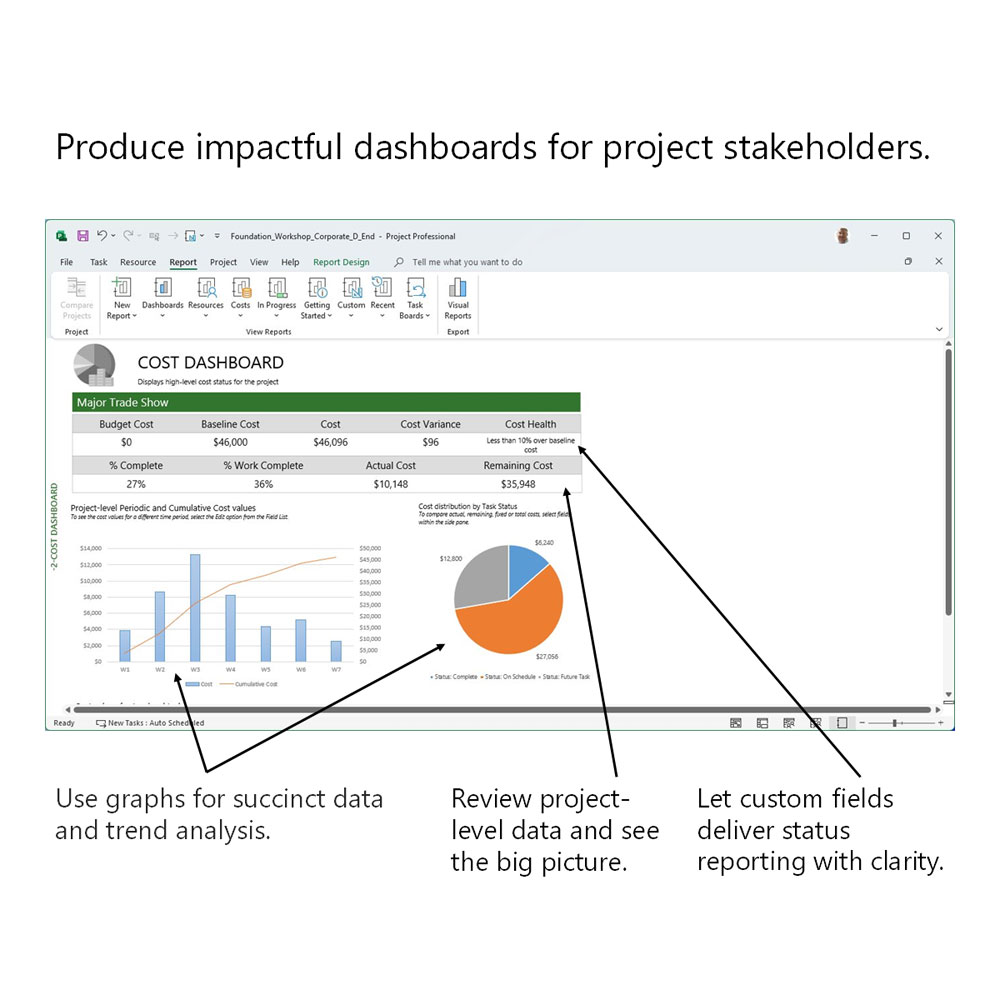
  • Seven Dashboard reports, from high-level project overviews to detailed earned-value analyses – and pretty much everything in between.
  • Nine custom stoplight fields, providing succinct schedule, work and cost analysis at task, summary task and project levels.
  • Three custom Change Working Time calendars, containing up to 10 years of commonly used public holidays (dependent upon location).
  • Tools and techniques to help you fulfil a DCMA 14-Point Assessment.
  • End-user and Pro-level tips, tricks and smarts, distilling 30+years of Microsoft Project experience into a user-friendly toolset.
  • An online Microsoft Project Knowledge Base.  In-depth explanations of Microsoft Project functionality spanning several hundred individual reference topics, backed up by several hundred interlinked terminology keyword definitions.

You may also like…