Description
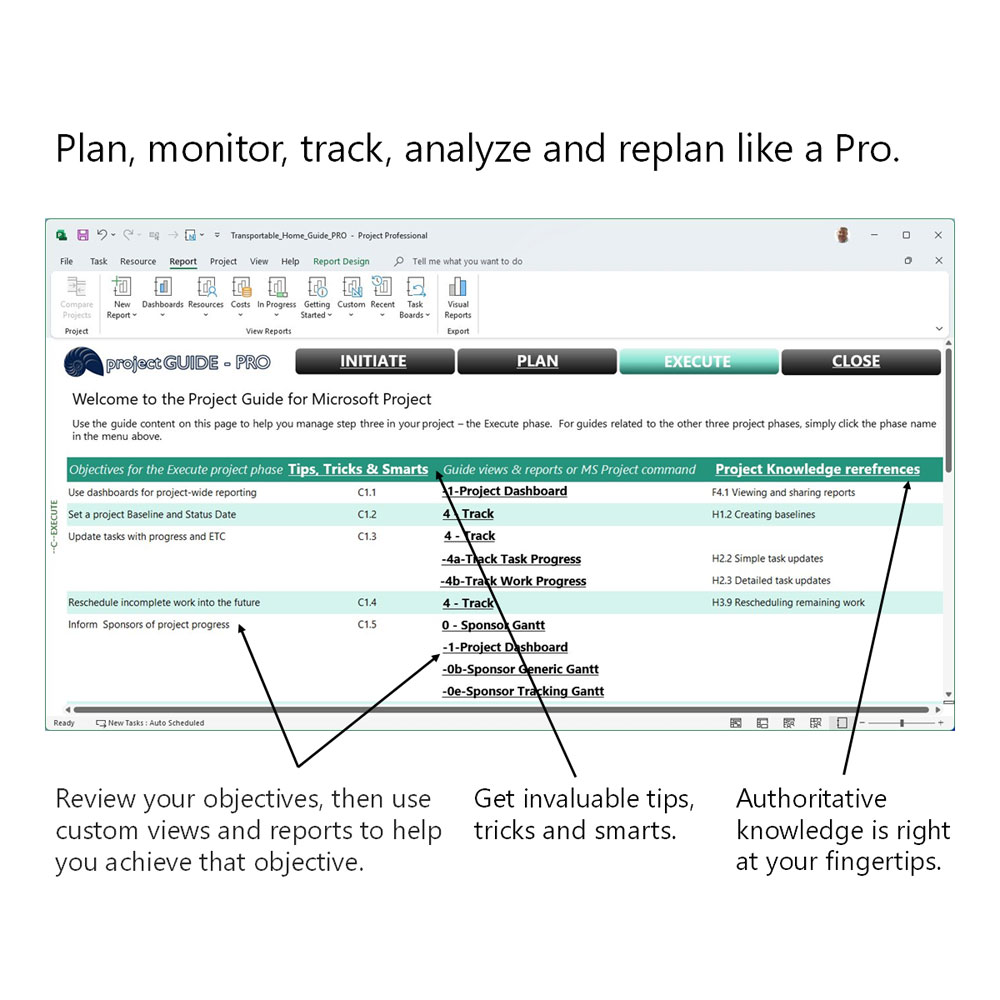
Microsoft Project tools, tips, tricks, smarts and knowledge. Painstakingly designed to help you manage each and every project like a Pro.
For those managing large, complex projects or with extensive experience using Microsoft Project, the Pro edition of the Project Guide is an excellent choice. It offers all the features of the Core version, along with advanced tools for seasoned users, including enhanced analytics and reporting capabilities to help your projects excel.
Moreover, with over 30 years of Project experience, its designer has expertly distilled practical, real-world requirements into a comprehensive suite of tools designed to meet the demands of even the most discerning Microsoft Project professional.
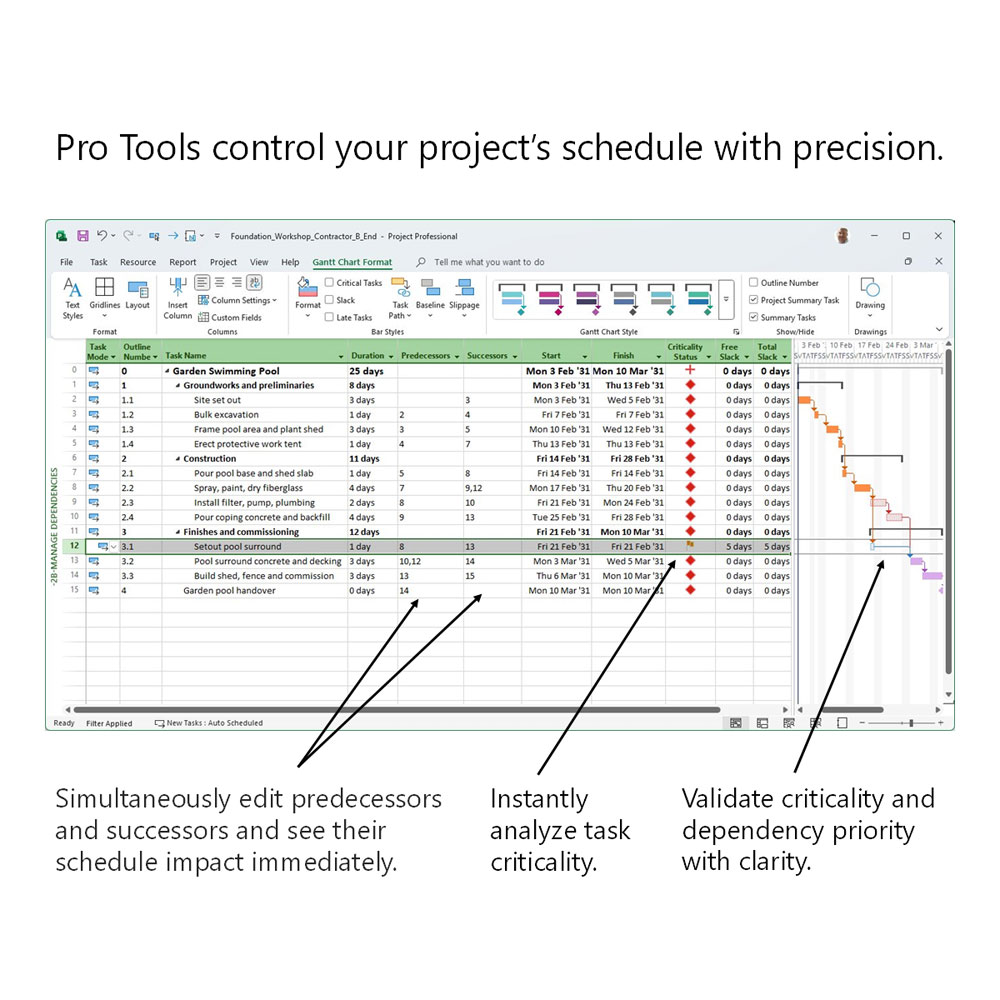
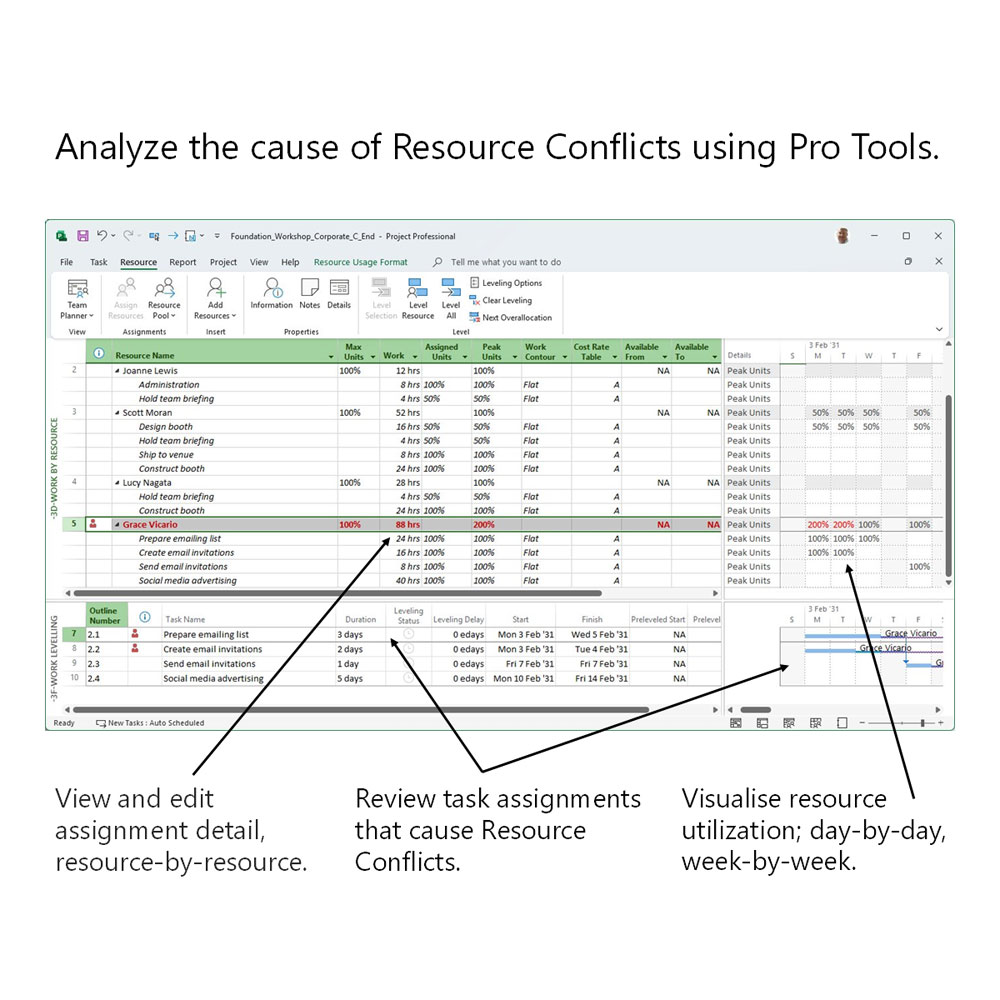
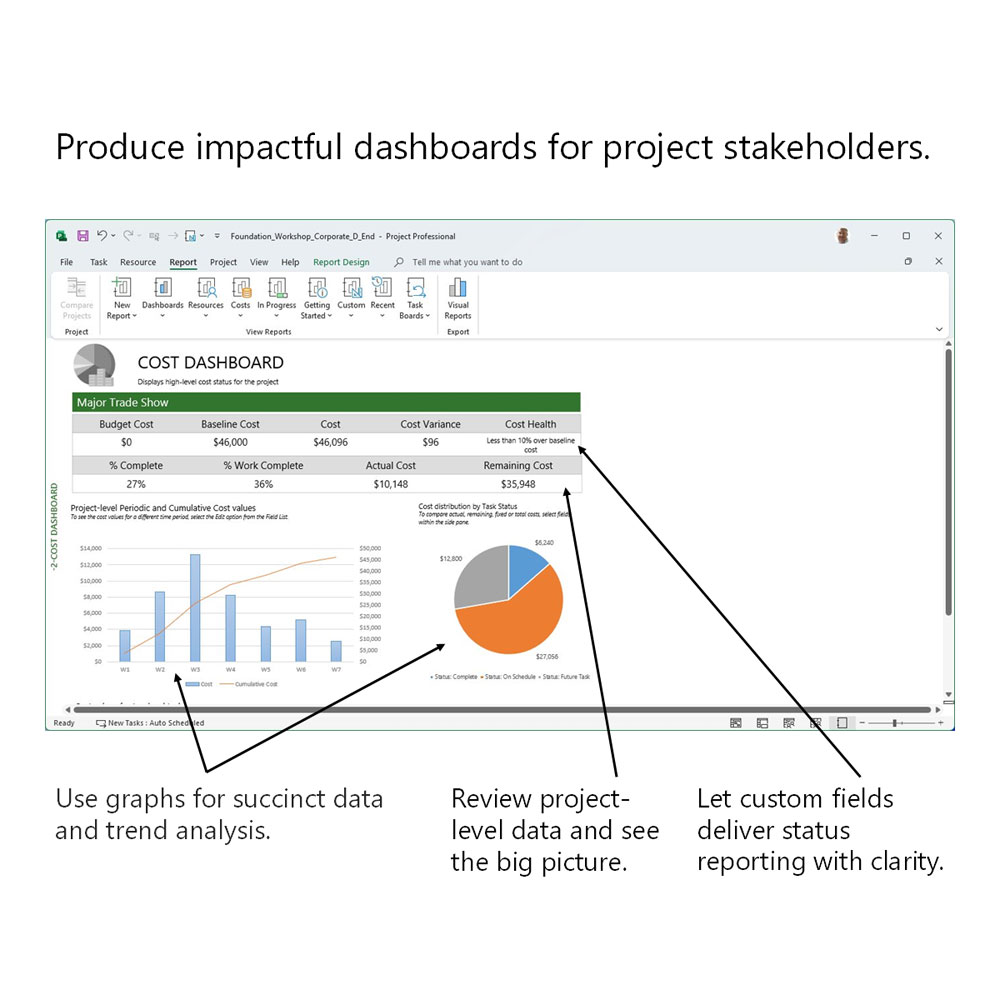
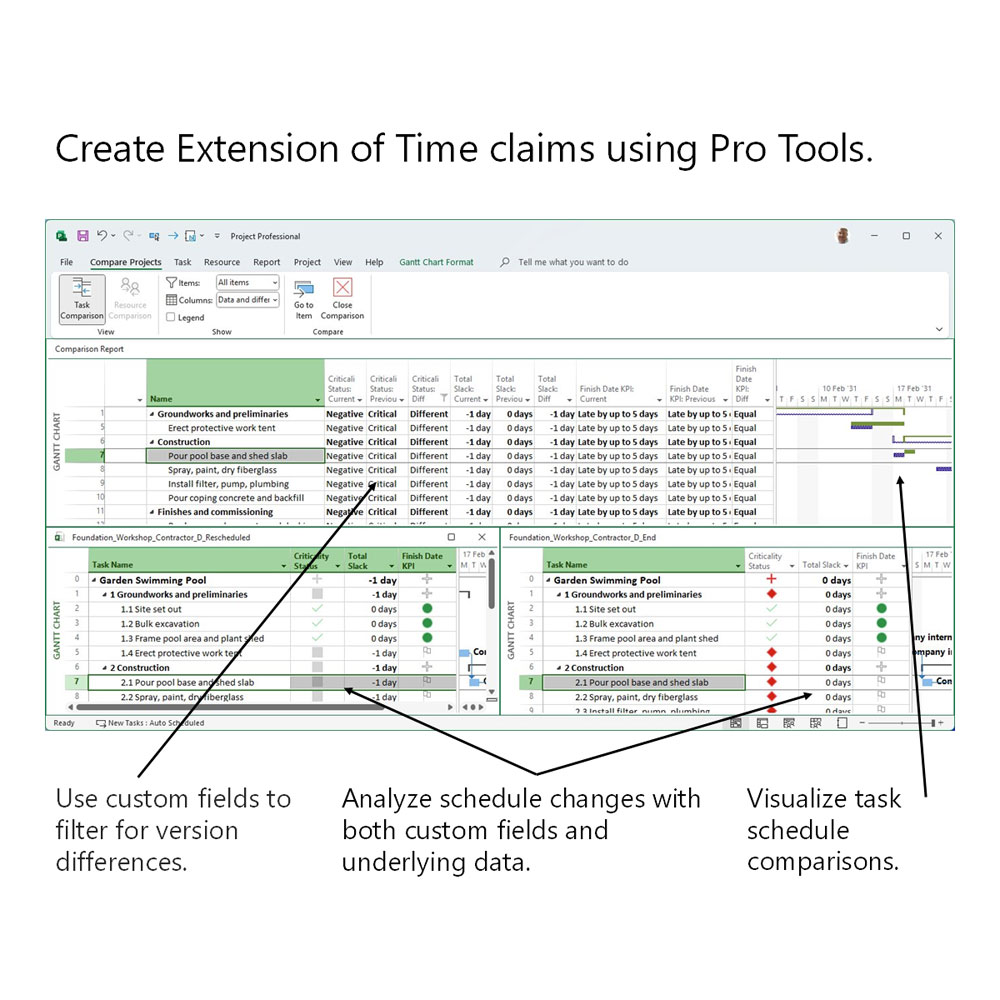
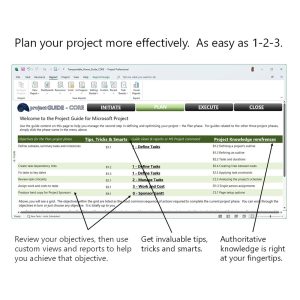
- Leverage a customizable workflow to present detailed views, tables, reports, and graphs that highlight the intricate aspects of your task, resource, and cost schedules, enabling you to optimize, troubleshoot, and confidently share your plans.
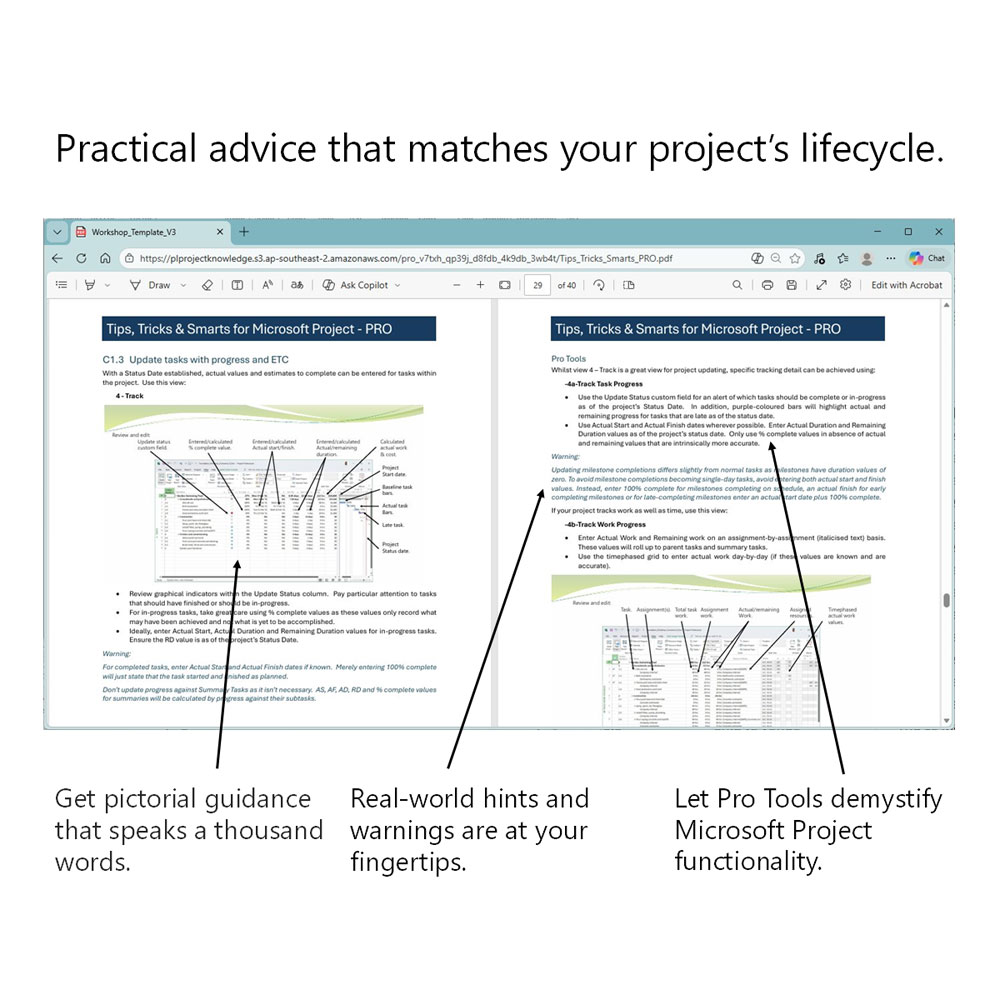
- Blend practical tips, clever tricks, and smart strategies to link Project Guide components with real-world project goals, making it simpler to streamline and standardize your project control processes.
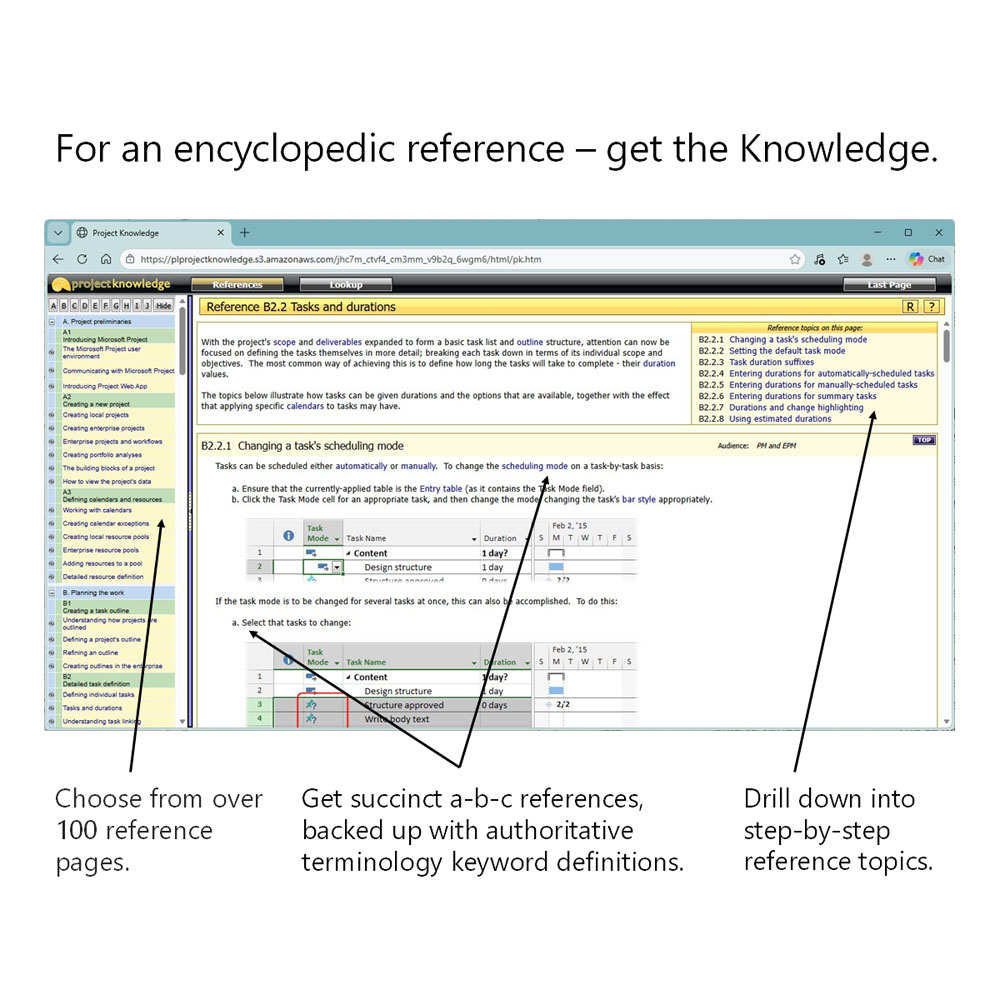
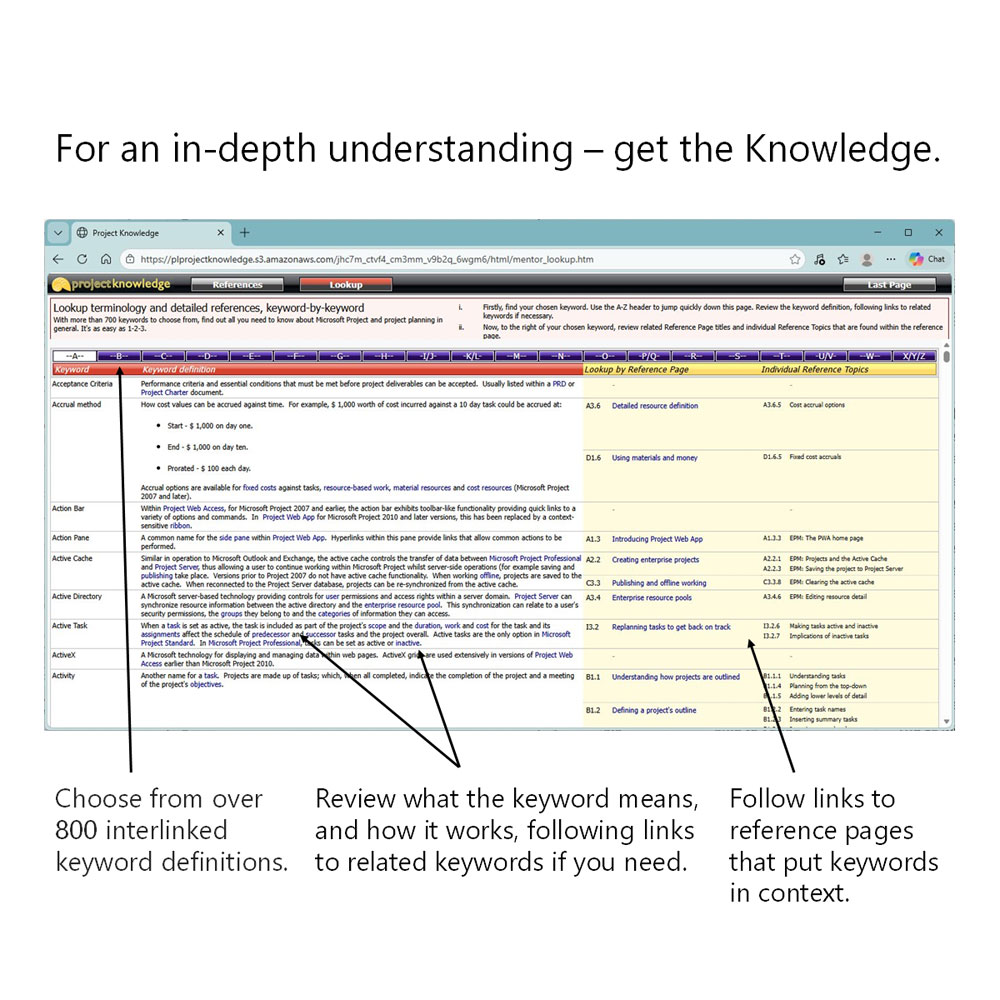
- With direct access to an extensive online Knowledge Base for everything Microsoft Project, you can be confident in reaching your planning goals as the complexities of Project’s structures and calculations are explained in a clear, easy-to-understand way.
Want to know more?
Just click here to ask the Project Guide’s developer a question or request your own personal web demo.
Technical Specs
Here’s some facts and figures about the Pro edition of the Project Guide for Microsoft Project:
- Works with the desktop version of Microsoft Project (versions 2016 onwards).
- Six printer-ready (or PDF) hard copy reports, carefully designed to communicate your projects to all types of project stakeholder and at all points within a project’s lifecycle.
- Twenty-four customized view and table combinations, with each one configured around fulfilling real-world requirements, from project initiation to project closure.
- Seven Dashboard reports, from high-level project overviews to detailed earned-value analyses – and pretty much everything in between.
- Nine custom stoplight fields, providing succinct schedule, work and cost analysis at task, summary task and project levels.
- Three custom Change Working Time calendars, containing up to 10 years of commonly used public holidays (dependent upon location).
- Tools and techniques to help you fulfil a DCMA 14-Point Assessment.
- End-user and Pro-level tips, tricks and smarts, distilling 30+years of Microsoft Project experience into a user-friendly toolset.
- An online Microsoft Project Knowledge Base. In-depth explanations of Microsoft Project functionality spanning several hundred individual reference topics, backed up by several hundred interlinked terminology keyword definitions.
Want to know more?
Just click here to ask the Project Guide’s developer a question or request your own personal web demo.
Linked Learning
Pair the Project Guide with these training courses to combine a smart project productivity solution with cutting-edge learning:
Want to know more?
Just click here to ask the Project Guide’s developer a question or request your own personal web demo.